Including the Universal Header bits/stdc++.h in VS Code
YoungForest · https://youngforest.github.io/en/2020/05/18/vscode-include-bits-stdc-h/
Recently, I have often needed to include the universal header bits/stdc++.h when doing Kick Start. However, my beloved editor VS Code always fails to locate this header correctly and shows a red squiggly error. As a programmer, I absolutely cannot tolerate that, so I tried to solve the problem. I searched online for many solutions, but most of them did not directly solve my issue. So I am summarizing my own solution here for everyone to use.

Programming environment:
g++ 9.1.0, Mac 10.14.2, VS Code 1.45.1
The overall idea is:
- Find the path to the GCC compiler header files,
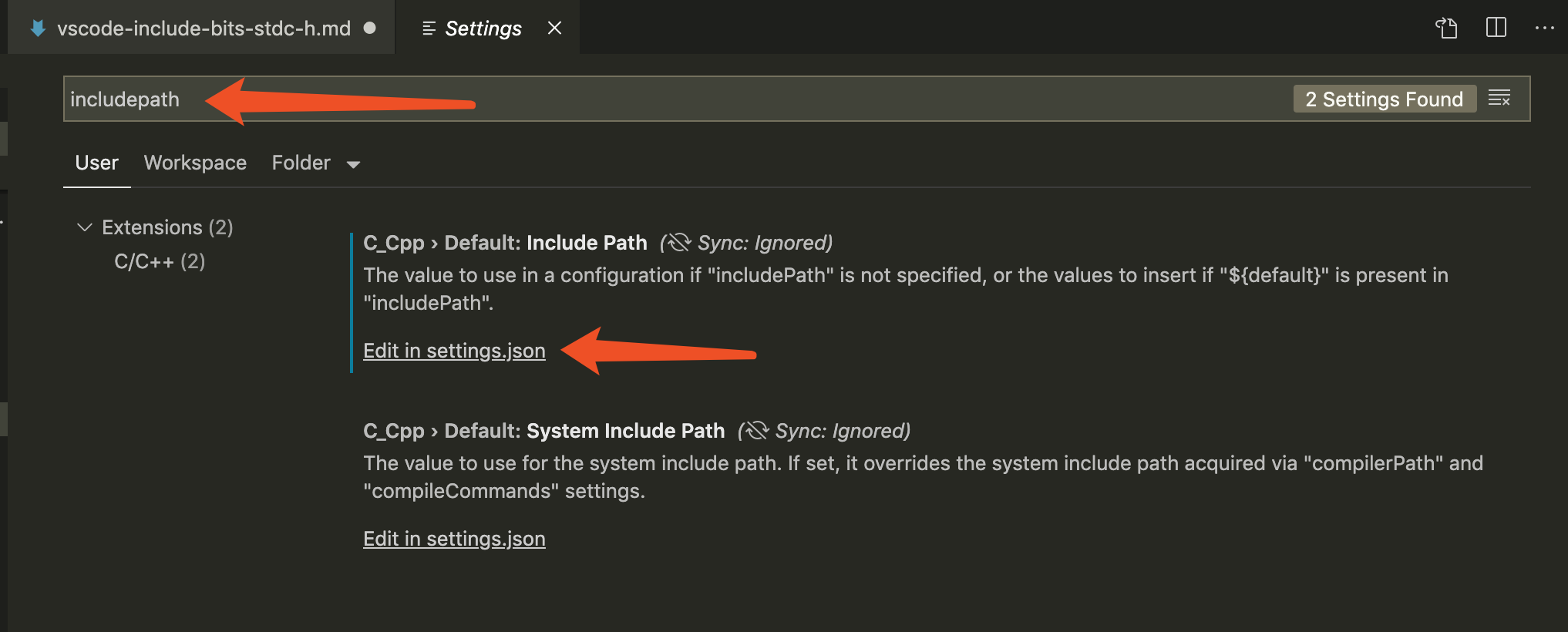
- Change the VS Code settings so that it can find
bits/stdc++.husing the paths above.
1 | gcc-9 -v -E -x c++ - |
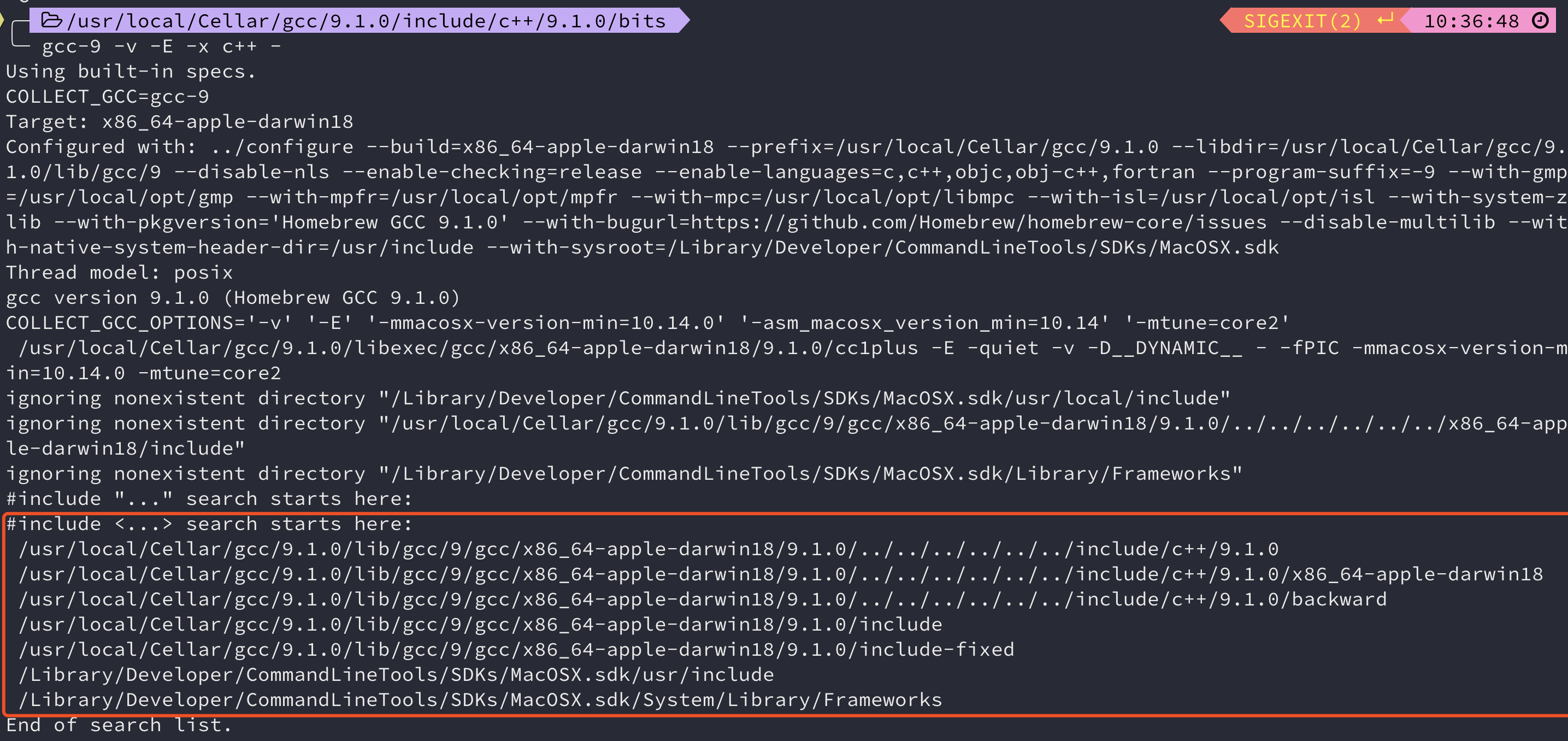
The figure shows the path order used by the compiler by default. Add all these paths to VS Code’s includePath.
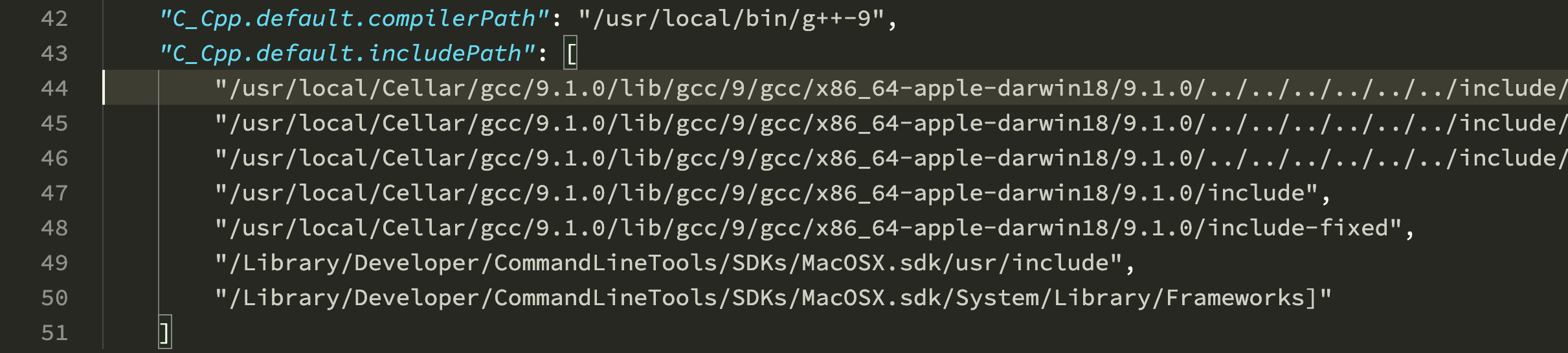
Done!